01
Computer & laptop help
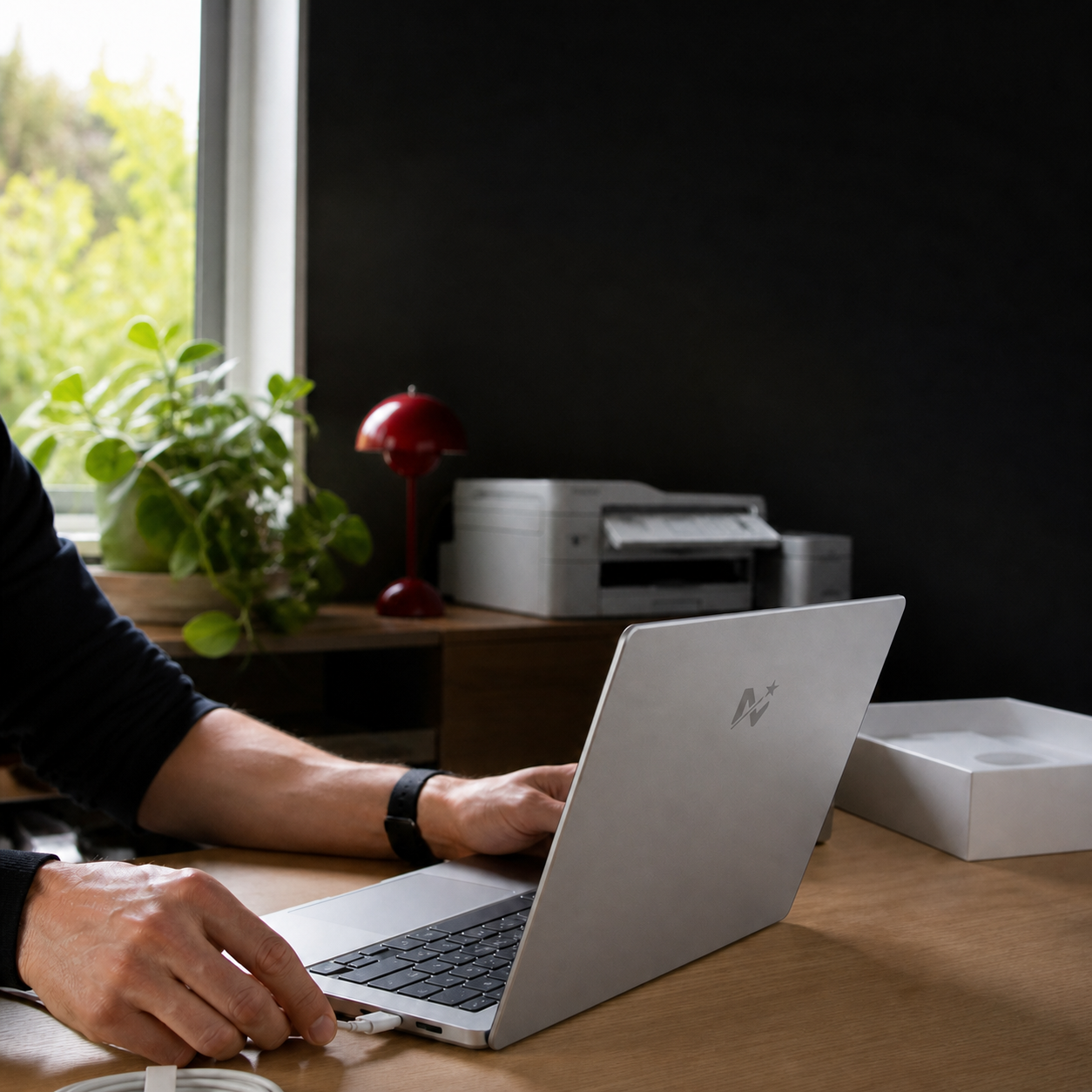
Slow devices, repairs, upgrades, virus cleanup, tune-ups and new setups.
Request help MAGIC MARK'STECH SERVICES
BUNDABERG • OUTCALLS • REMOTE HELP AUSTRALIA-WIDE
Computers, printers, Wi-Fi, emails, phones, TVs and more. Tell me what is happening and I'll help you work out the next step.
Not sure what you need? That's completely fine — choose “Help me work it out” in the booking form.
WHAT I CAN HELP WITH
You do not need to know the technical name for the problem. Just tell me what your tech is doing.
Slow devices, repairs, upgrades, virus cleanup, tune-ups and new setups.
Request helpSetup, printing, scanning, Wi-Fi connections and the dreaded “offline” message.
Request helpDrop-outs, weak signal, new routers, device connections and home networks.
Request helpAccounts, Outlook, Microsoft 365, file access, setup and everyday support.
Request helpNew-device setup, storage, data transfers, apps and everyday help.
Request helpTVs, cameras, doorbells, smart devices, apps, connections and setup.
Request helpCustom builds, upgrades, performance tuning, overheating fixes and repairs.
Request helpPractical help with computers, accounts, printers, systems and buying decisions.
Request helpPractical AI setup, learning, content and smarter workflows for your business.
Request helpIndependent advice before you buy a computer, phone, printer or business tech.
Request helpSIMPLE FROM START TO FINISH
Choose your device, explain the issue in plain English and add photos if helpful.
I'll contact you to confirm the right help option, a time and the price before work begins.
Whether it's an outcall or remote session, you get clear advice and practical help.
FROM LOCAL CUSTOMERS
“Thank you Mark for sorting Paul’s desktop out. You have made him a happy man.”
“He knows what he's doing and very efficient.”
Feedback shared on Magic Marks Tech Services’ Facebook posts. Visit Facebook →
BEFORE YOU BOOK
Jobs are quoted according to the work needed, not a fixed hourly rate. Describe the problem in your request. Tick “Please contact me with a quote before an outcall.” if you would like Mark to contact you about the expected cost before coming out.
No. Your request is a preference, not a confirmed appointment. Mark will review it and agree a suitable day and time with you. If you provide an email address, your appointment confirmation will be sent there.
Local visits are available around Bundaberg and Bargara. Enter your suburb when requesting help so Mark can confirm the visit arrangements. Remote support is also an option for suitable issues.
Absolutely. Choose “Help me work it out” and explain what you see. A clear photo of an error message can help, but hide passwords and personal information.
Have the device, its charger and a description of the problem ready. Do not send passwords, banking information or verification codes through the booking form. Keep a backup of important files where possible.
Use the private status link in your request receipt, or call or text Mark on 0473 062 969. A change or cancellation request does not alter your appointment until Mark agrees to it.
LOCAL • FRIENDLY • RELIABLE